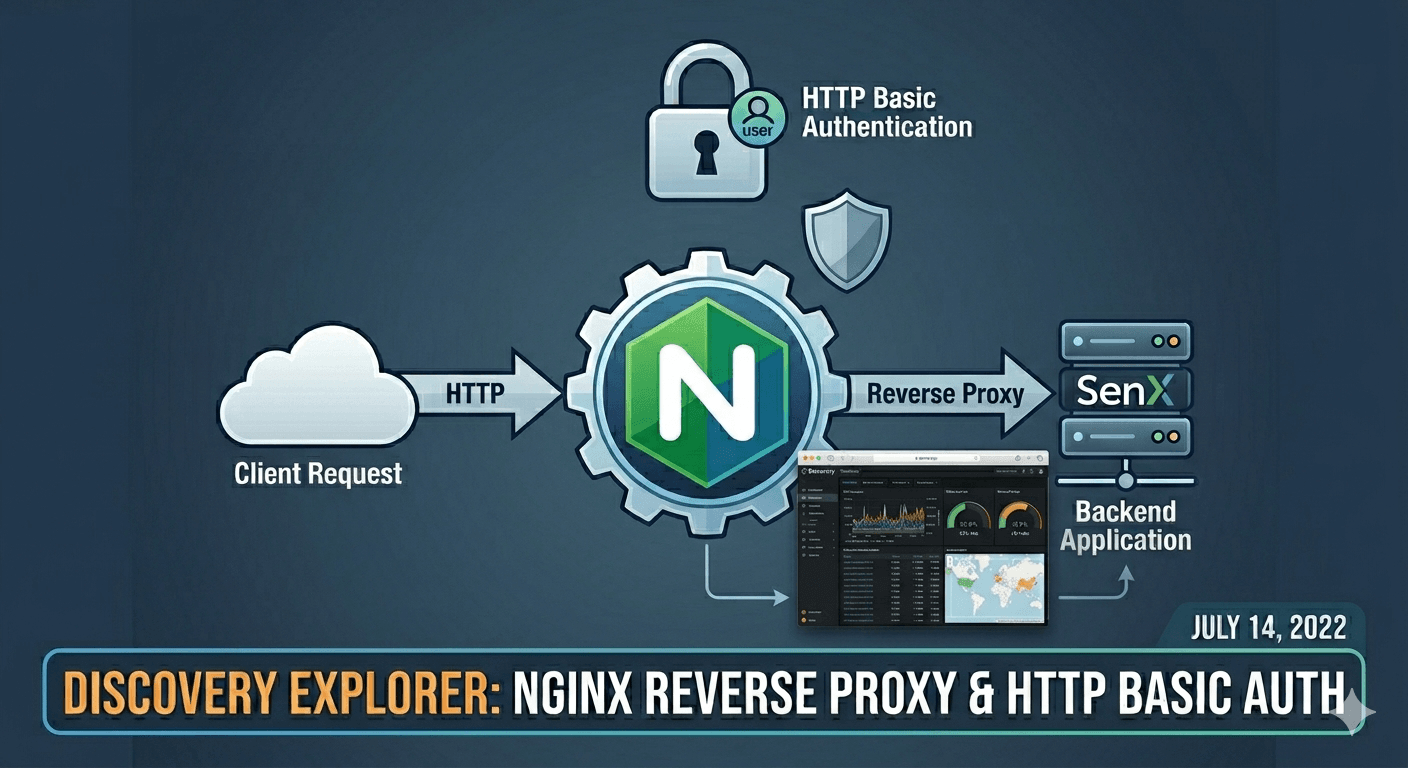
Discovery Explorer est un site web permettant d’exposer des dashboars Discovery .
Nous allons exposer Discovery Explorer sous le path /dashboards.
Prérequis, Docker , DockerCompose et :
$ sudo apt install apache2-utils
D’abord, créons un fichier avec les users :
sudo htpasswd -c .htpasswd user1sudo htpasswd .htpasswd user2
Cela vous crée un fichier .htpasswd dont il faudra retenir le path.
Créez un fichier de conf pour NginX , nginx.conf :
user www-data;worker_processes auto;pid /run/nginx.pid;include /etc/nginx/modules-enabled/*.conf ;events {worker_connections 768 ;} http { sendfile on ; tcp_nopush on ; types_hash_max_size 2048 ; include /etc/nginx/mime.types; default_type application/octet-stream; ssl_protocols TLSv1 TLSv1.1 TLSv1.2 TLSv1.3 ; ssl_prefer_server_ciphers on ; access_log /var/log/nginx/access.log; error_log /var/log/nginx/error .log; gzip on ; server { listen 80 default_server; listen [::]:80 default_server; root /var/www/html; index index.html index.htm index.nginx-debian.html; server_name _; location / { try_files $uri $uri / =404 ; } location /dashboards { auth_basic "Restricted Content" ; auth_basic_user_file /etc/nginx/.htpasswd; proxy_pass http://discovery-explorer:3000; rewrite /dashboards/api/(.*) /api/$1 break ; proxy_set_header Host $host ; proxy_redirect off ; proxy_set_header X-Real-IP $remote_addr ; proxy_set_header X-Forwarded-For $proxy_add_x_forwarded_for ; } } }
Enfin créez un fichier docker-compose.yml :
version: "3.9" services: discovery-explorer: image: warp10io/discovery-explorer:latest volumes: - /home/me/myDashboards:/data environment: - BASE_HREF=/dashboards/ nginx: image: nginx ports: - "80:80" volumes: - /home/me/nginx.conf:/etc/nginx/nginx.conf:ro - /home/me/.htpasswd:/etc/nginx/.htpasswd links: - discovery-explorer:discovery-explorer
Et y’a plus qu’a :
Vous pouvez admirer votre oeuvre sur http://localhost/dashboards .
Alternatives modernes Traefik - reverse proxy Docker-native Traefik remplace Nginx avec une configuration auto-détectée via Docker labels :
version: "3.9" services: traefik: image: traefik:v3.0 command: - "--providers.docker=true" - "--entrypoints.web.address=:80" ports: - "80:80" volumes: - /var/run/docker.sock:/var/run/docker.sock discovery-explorer: image: warp10io/discovery-explorer:latest labels: - "traefik.enable=true" - "traefik.http.routers.de.rule=Host(`mon.domaine.com`) && PathPrefix(`/dashboards`)" - "traefik.http.routers.de.middlewares=auth" - "traefik.http.middlewares.auth.basicauth.users=user1:$$apr1$$xxx...$$..."
Authelia - authentification moderne Authelia remplace le Basic Auth par un vrai portail SSO (2FA, OTP, LDAP) :
services:
  authelia:
    image: authelia/authelia:latest
    volumes:
      - ./authelia/config.yml:/config/configuration.yml
  discovery-explorer:
    labels:
      - "traefik.http.routers.de.middlewares=authelia@docker"
OAuth2 Proxy OAuth2 Proxy ajoute une couche d’authentification Google/GitHub/GitLab devant n’importe quel service.
HTTPS avec Let’s Encrypt services: nginx: image: nginx:alpine volumes: - ./nginx.conf:/etc/nginx/nginx.conf - ./certbot/www:/var/www/certbot ports: - "80:80" - "443:443" certbot: image: certbot/certbot volumes: - ./certbot/www:/var/www/certbot - ./certbot/conf:/etc/letsencrypt command: certonly --webroot -w /var/www/certbot -d mon.domaine.com
Docker secrets pour htpasswd Évitez les fichiers .htpasswd dans le volume :
services:
  nginx:
    image: nginx
    secrets:
      - htpasswd
    volumes:
      - ./nginx.conf:/etc/nginx/nginx.conf

secrets:
  htpasswd:
    file: ./.htpasswd
Avec Nginx, référencez Docker secrets via /run/secrets/htpasswd.